artstyle.games

Simulation dashboards

All styles
Bright factory blocks and route lines fill the map view, with a compact action bar retaining access to tools at the bottom.
Factorio
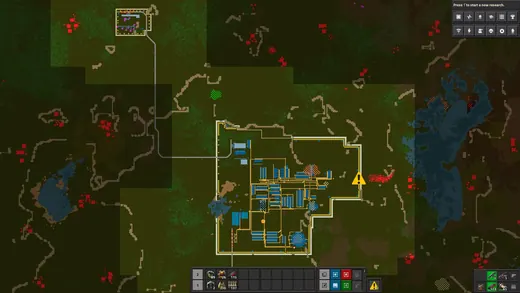
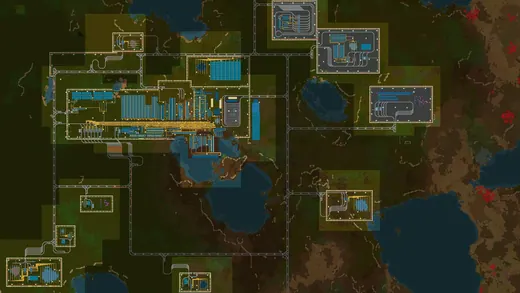
A zoomed-out factory map reveals dense colored networks and production clusters, turning the industrial layout into an abstract operational diagram.
Factorio
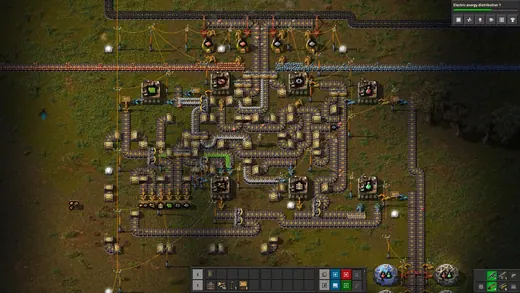
A tightly packed toolbelt sits beneath an active industrial scene, using small item icons and numerical quantities to support construction.
Factorio
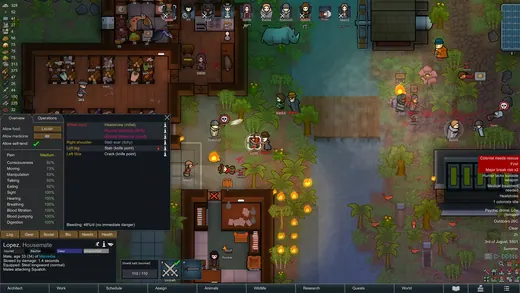
A selected colonist's information panel opens beside the colony, displaying compact attributes and needs while the settlement remains visible behind it.
RimWorld
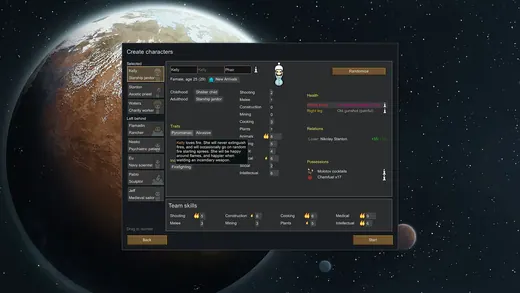
A broad character setup window organizes colonist attributes and selection controls over a planetary backdrop, using plain text and modest icons.
RimWorld
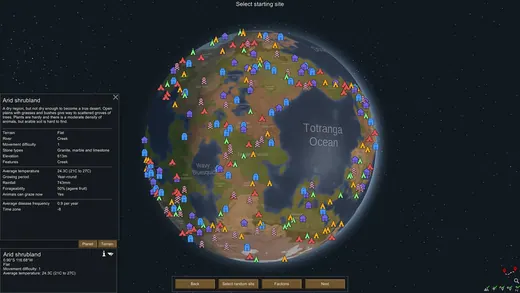
Colored settlement markers dot the globe while a tall panel summarizes the selected biome, linking environmental statistics to a geographic choice.
RimWorld
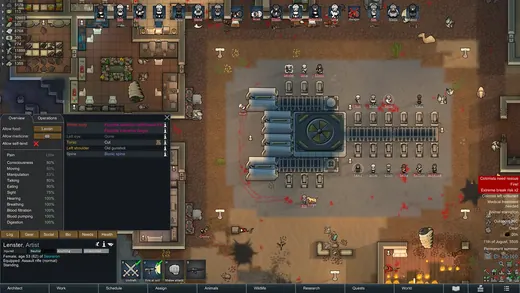
A compact character panel sits over a detailed building interior, pairing numerical information with a direct view of the selected colonist's surroundings.
RimWorld
A horizontal tray of terrain and material tiles spans the bottom of the habitat view, paired with compact editing controls.
Planet Zoo
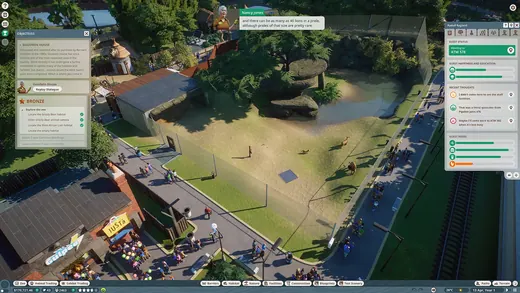
A narrow management sidebar opens at the right of the zoo scene, while small category icons remain available along the bottom toolbar.
Planet Zoo
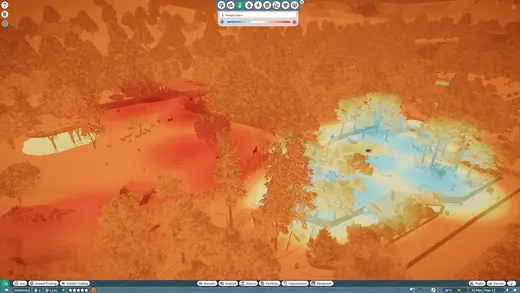
Orange and blue temperature colors wash across the habitat, with compact analysis controls and a toolbar preserving the surrounding editing workflow.
Planet Zoo
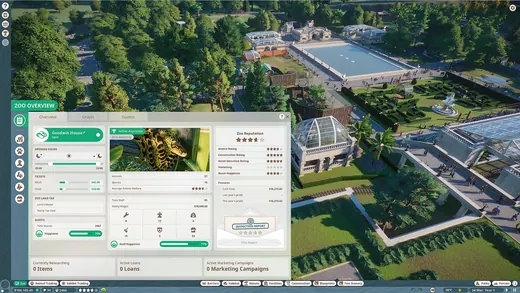
Pale management windows combine compact metrics, tabbed categories, and structured information, keeping numerical zoo operations separate from the three-dimensional environment.
Planet Zoo
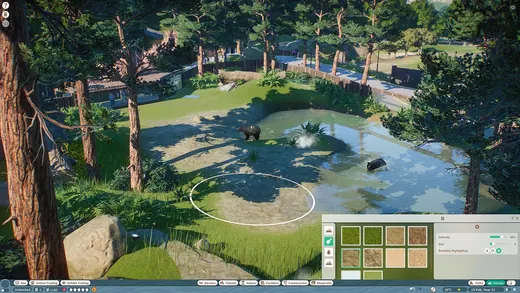
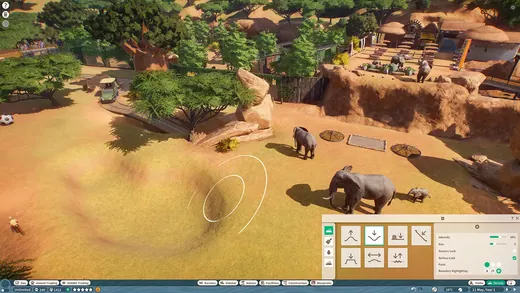
A terrain brush works directly in the habitat view while a green and beige palette organizes editing options along the lower edge.
Planet Zoo
Circular command buttons line the lower edge of the nighttime city while time and temperature indicators hold the top center.
Frostpunk
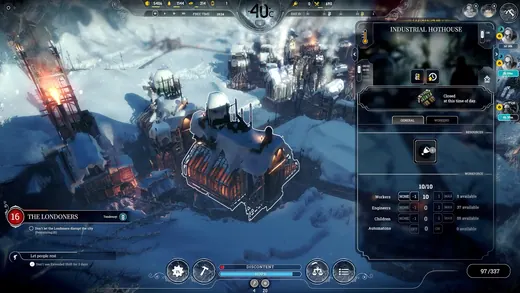
A tall building panel opens on the right of the frozen city, combining operational controls and compact statistics in a dark framed sidebar.
Frostpunk
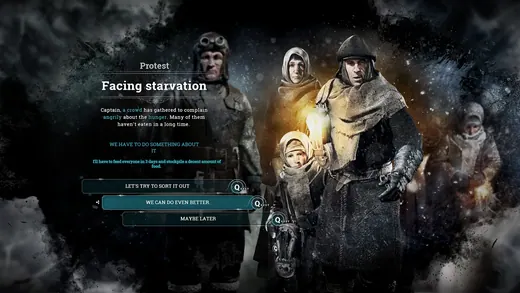
A survivor portrait anchors a dark narrative event window, with response choices arranged nearby against the subdued frozen-city background.
Frostpunk
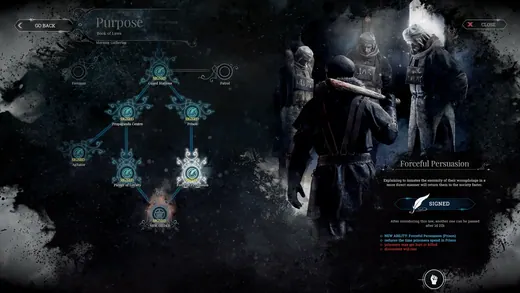
A branching law diagram fills a dark blue panel while an illustrated detail area explains the selected choice at the right.
Frostpunk
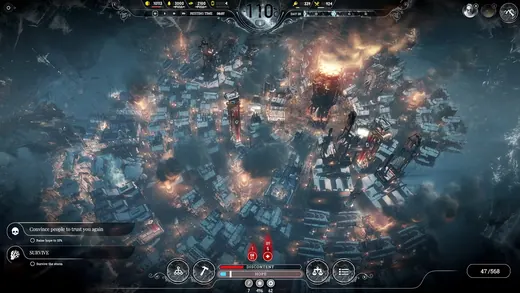
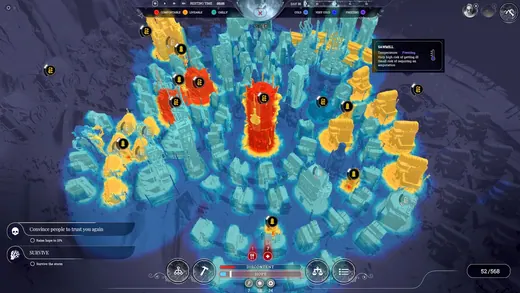
A thermal overlay turns the city into blue and orange temperature regions, making heated buildings stand out within the cold surrounding landscape.
Frostpunk
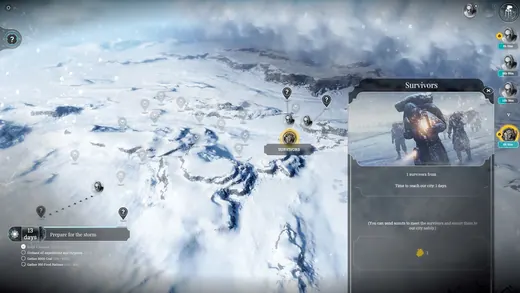
A sparse frozen-world map presents exploration locations, with a tall detail panel describing the selected site along the right edge.
Frostpunk
A red and blue thermal overlay colors the colony, with a narrow inspector panel on the right explaining the selected environmental element.
Oxygen Not Included
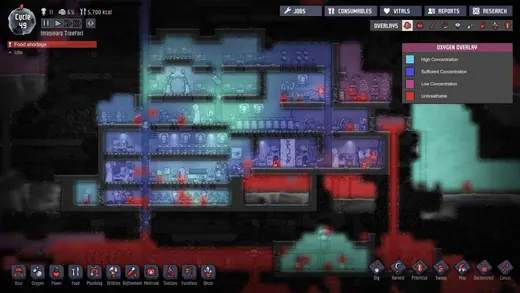
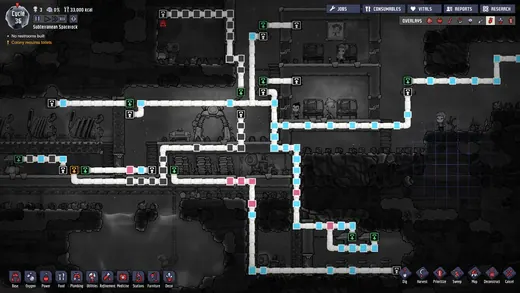
Bright pipe paths and colored connection points overlay the colony's rooms, while construction categories remain arranged in a compact bottom toolbar.
Oxygen Not Included
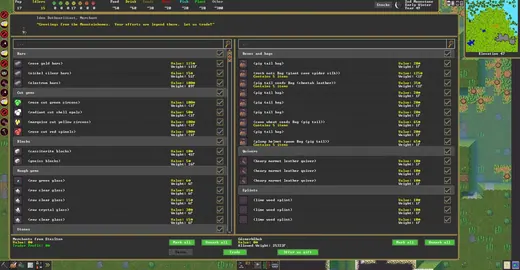
A large task window overlays the fortress, arranging dense rows of yellow text and small controls inside a dark rectangular table.
Dwarf Fortress
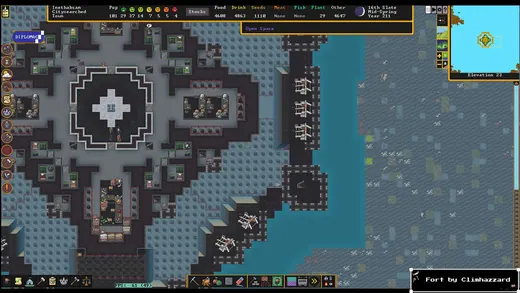
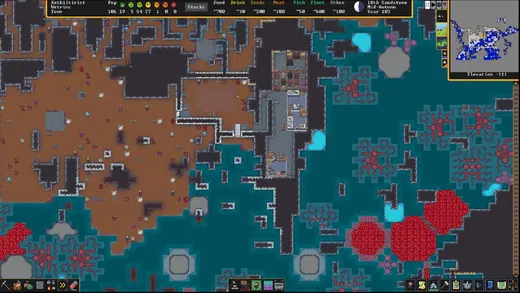
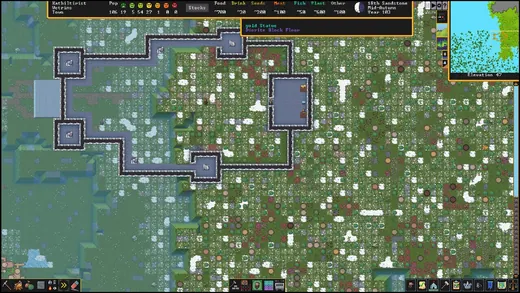
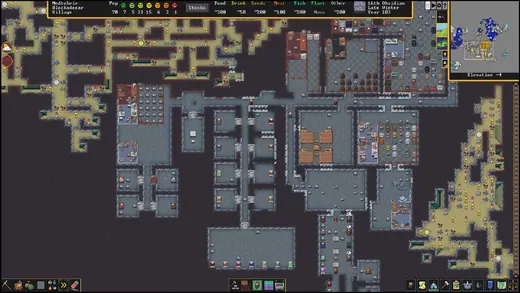
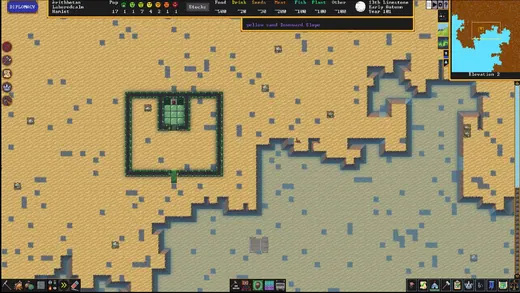
A tile-based fortress fills the screen beneath a narrow resource bar, with a small map and icon toolbar arranged around the edges.
Dwarf Fortress
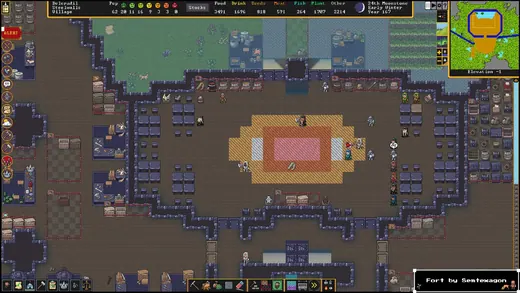
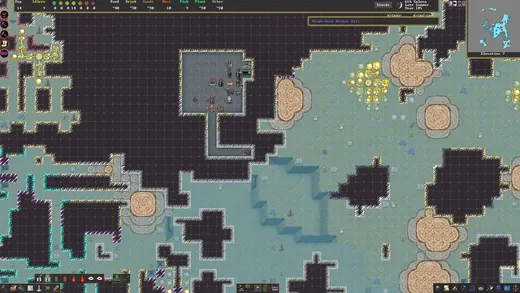
A subterranean tile map shows excavated corridors while small construction and management icons remain aligned along the lower edge of the screen.
Dwarf Fortress
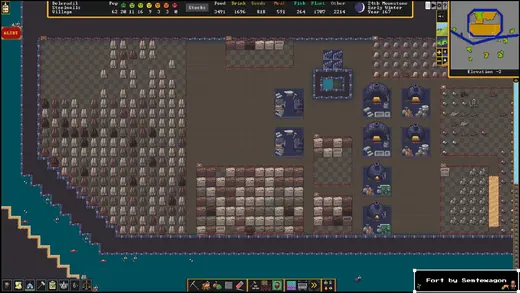
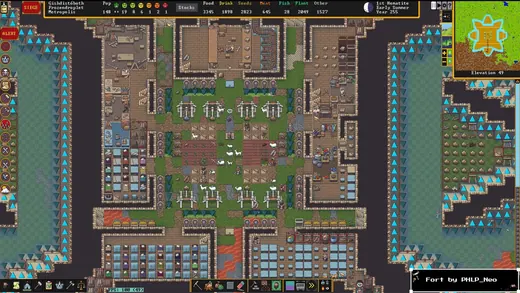
A dense arrangement of furnished fortress rooms appears within a compact management HUD, using tiny symbols and repeated tiles to encode activity.
Dwarf Fortress
Factory. industrial pipes.
Dwarf Fortress
Factory.
Dwarf Fortress
Factory.
Dwarf Fortress
Factory.
Dwarf Fortress
Settlement.
Dwarf Fortress
Settlement.
Dwarf Fortress
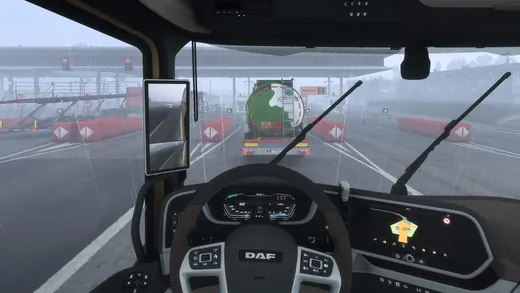
Physical gauges and an in-cab GPS screen sit within the truck dashboard, integrating driving status and route guidance into the vehicle interior.
Euro Truck Simulator 2
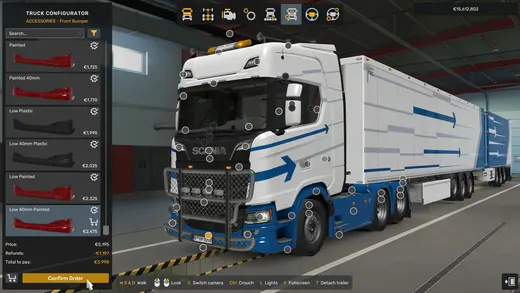
A three-dimensional truck occupies the center while option lists and category controls organize vehicle configuration around the edges of the screen.
Euro Truck Simulator 2
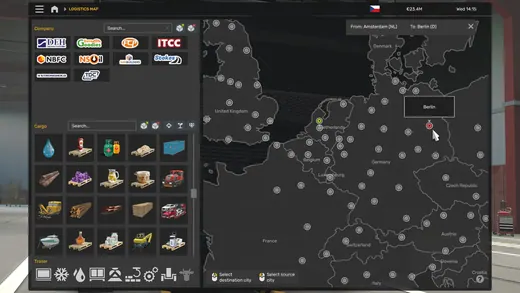
Cargo icons and filter controls fill the left panel while a dark European map displays location markers across the right side.
Euro Truck Simulator 2
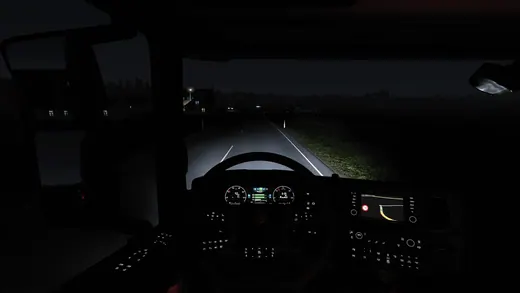
Green instrument lighting glows inside the dark cab, with physical gauges and a small navigation display maintaining visibility during nighttime driving.
Euro Truck Simulator 2
Trading screen. crosshairs.
The Operator
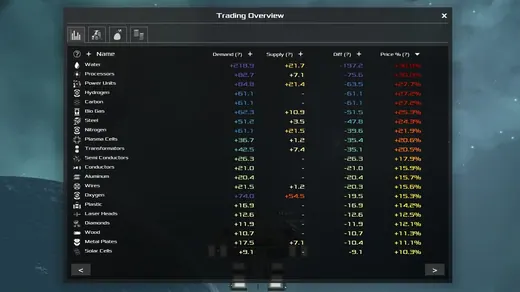
Trading screen.
Avorion
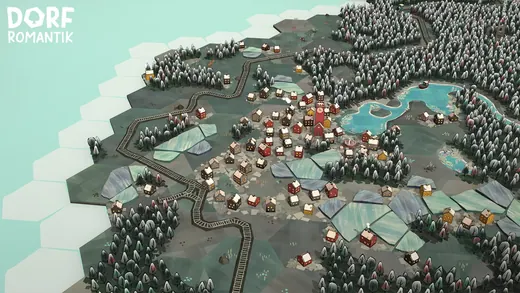
Golf course. mini maps.
Dorfromantik
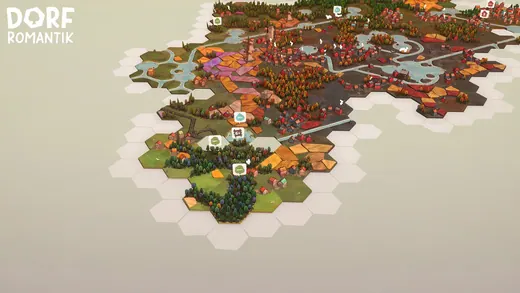
World map. mini maps, maps.
Dorfromantik
Battle map. mini maps.
Dorfromantik
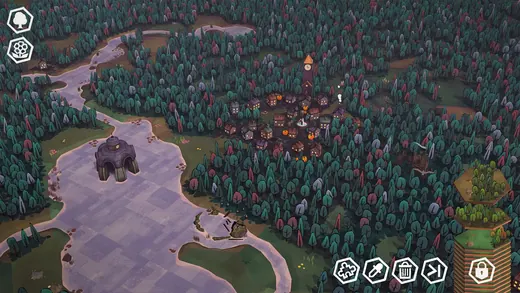
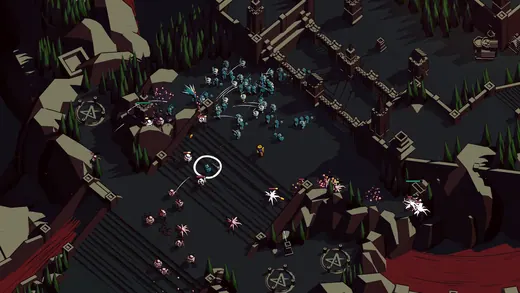
Graveyard.
Thronefall
Graveyard. resource counters, skill icons.
Thronefall
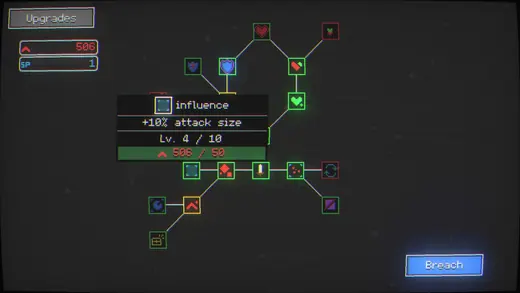
Technology tree. resource counters, item grids, charts.
Nodebuster
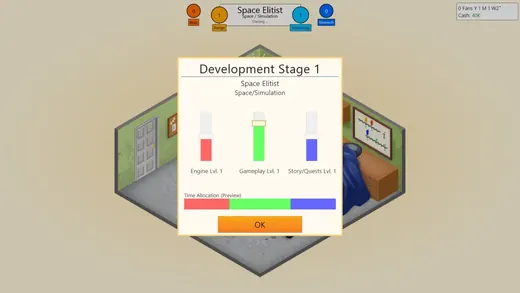
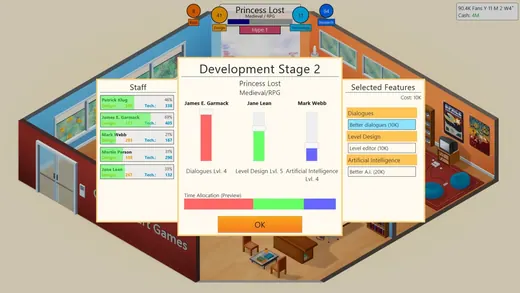
Interface reference.
Game Dev Tycoon
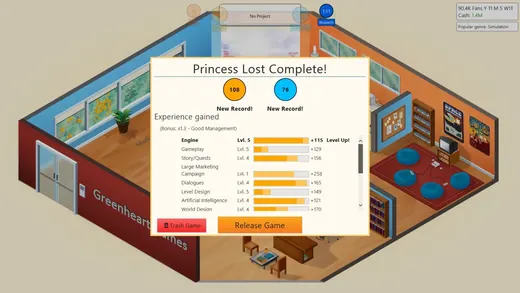
Statistics.
Game Dev Tycoon
Apartment. charts, resource counters.
Game Dev Tycoon
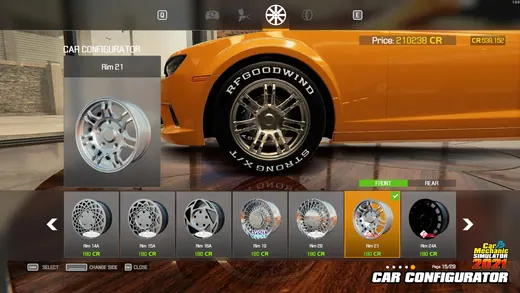
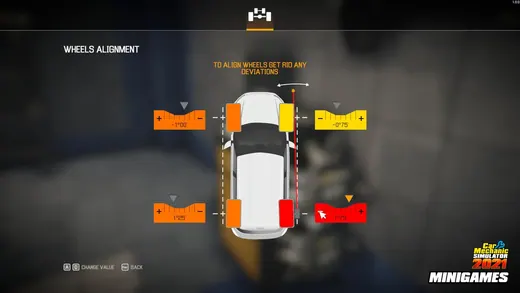
Interface reference.
Car Mechanic Simulator 2021
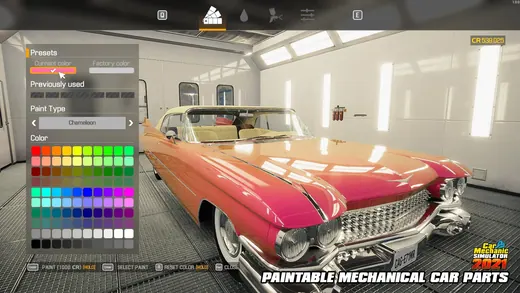
Shop.
Car Mechanic Simulator 2021
Trading screen.
Car Mechanic Simulator 2021
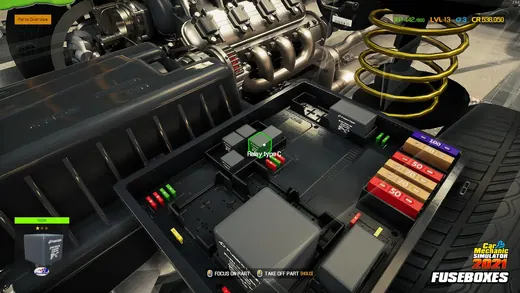
Industrial interior.
Car Mechanic Simulator 2021
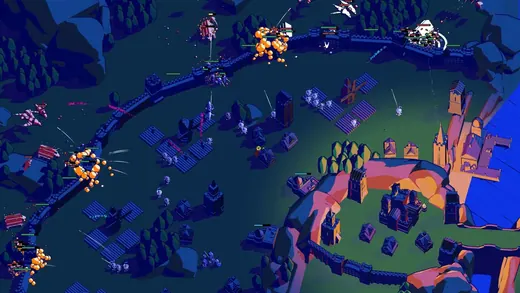
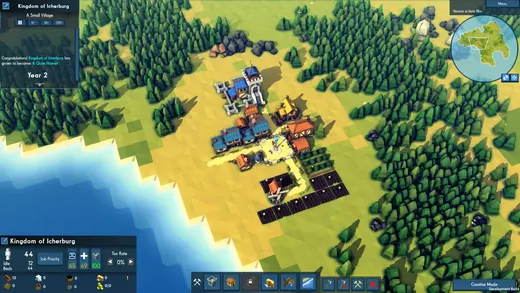
Settlement.
Kingdoms and Castles
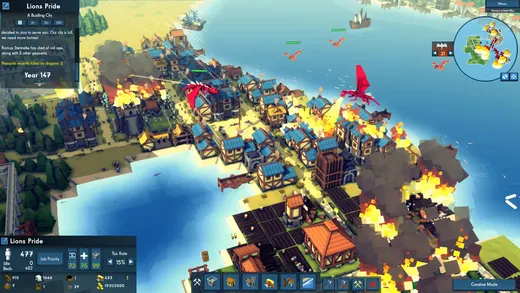
Medieval city. resource counters, ships.
Kingdoms and Castles
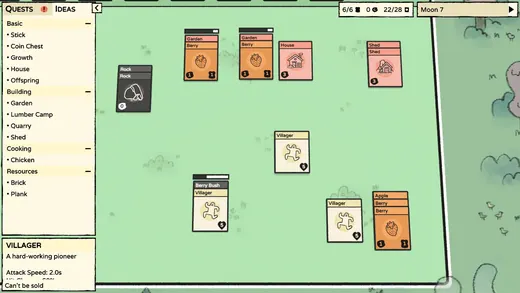
Board game. resource counters, playing cards.
Stacklands
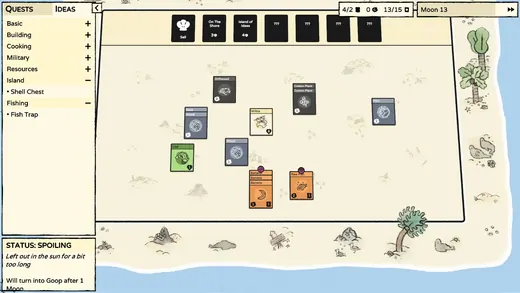
Board game. resource counters, item grids, charts.
Stacklands
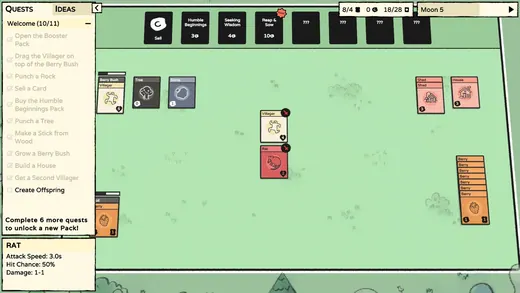
Board game. item grids, resource counters, food, buttons, playing cards.
Stacklands
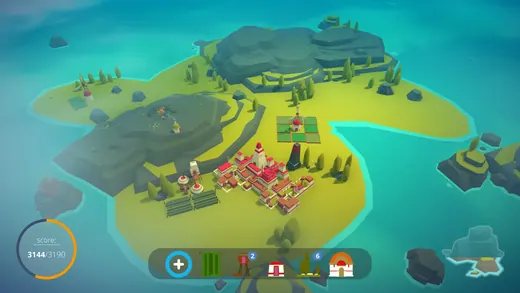
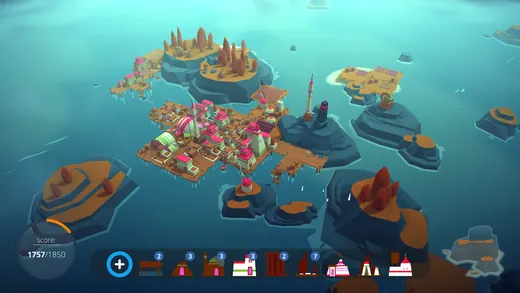
Medieval village. mini maps, resource counters.
ISLANDERS
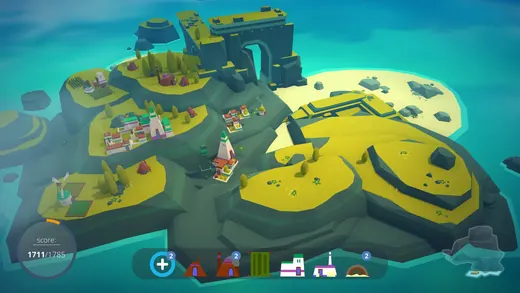
Coral reef. ships, mini maps, maps.
ISLANDERS
Pirate port. mini maps, food, maps, crops, sand.
ISLANDERS
Trading screen.
Automation - The Car Company Tycoon Game
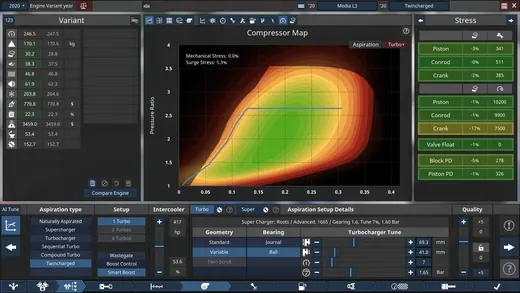
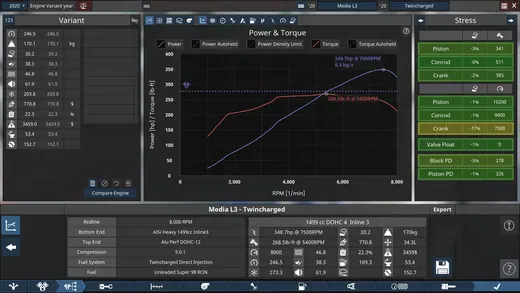
Statistics. charts.
Automation - The Car Company Tycoon Game
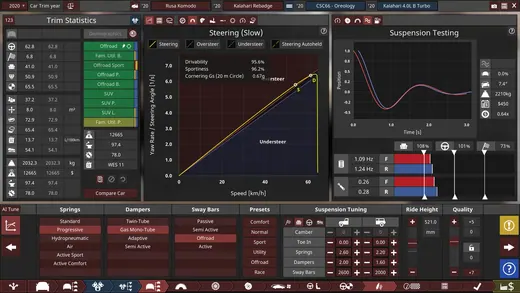
Trading screen.
Automation - The Car Company Tycoon Game
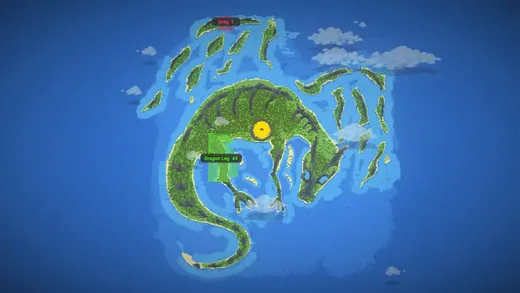
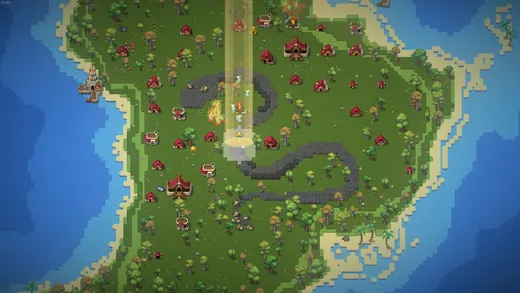
World map. mini maps, maps, charts.
WorldBox - God Simulator
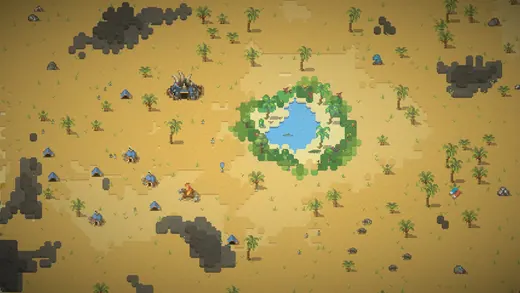
Desert.
WorldBox - God Simulator
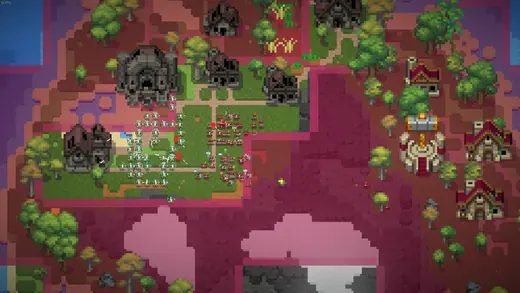
Battle map.
WorldBox - God Simulator
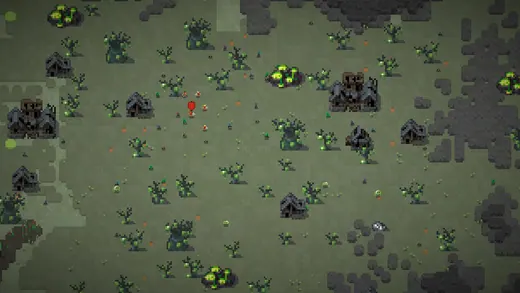
Graveyard. resource counters.
WorldBox - God Simulator
Settlement.
WorldBox - God Simulator