artstyle.games

Tactical information

All styles
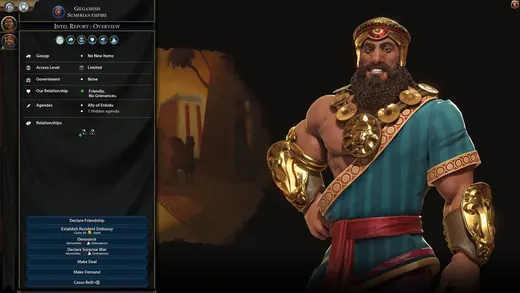
A large animated leader portrait shares the screen with dark blue diplomacy panels, compact icons, and structured rows of diplomatic information.
Sid Meier's Civilization VI
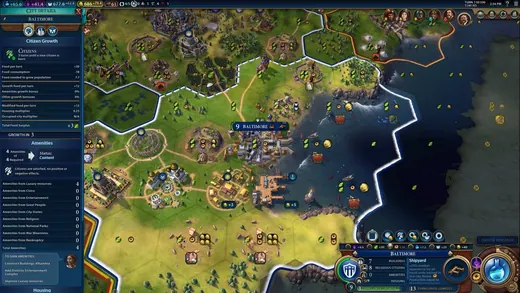
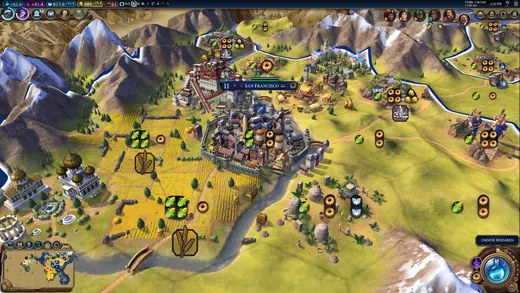
City labels and white territorial outlines cover the world map while a tall production panel organizes available construction along the left edge.
Sid Meier's Civilization VI
A selected unit stands inside a bright map ring, with circular commands at the lower right and resource counters across the top.
Sid Meier's Civilization VI
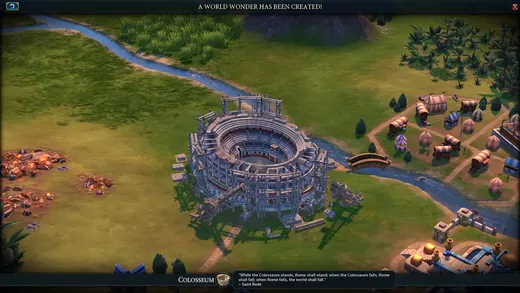
A wide illustrated wonder presentation uses a shallow information strip along the bottom, placing the achievement image above restrained descriptive text.
Sid Meier's Civilization VI
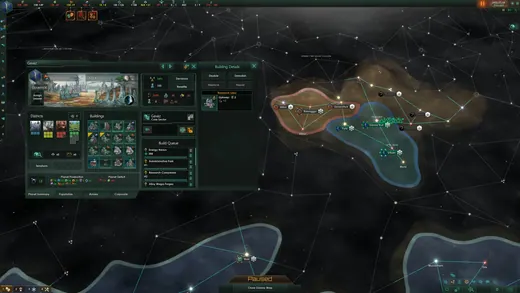
A planetary management window layers grids, resource icons, and compact numerical rows over the star map, with teal accents defining nested sections.
Stellaris
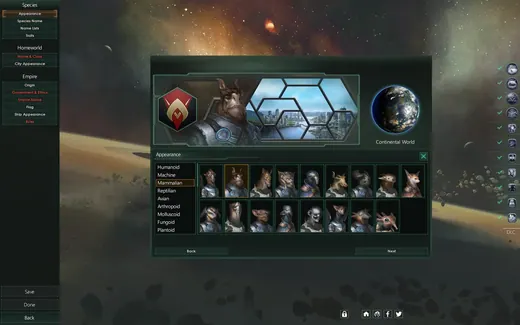
A grid of species portraits fills the central selector, surrounded by thin teal borders and stacked customization categories along the side.
Stellaris
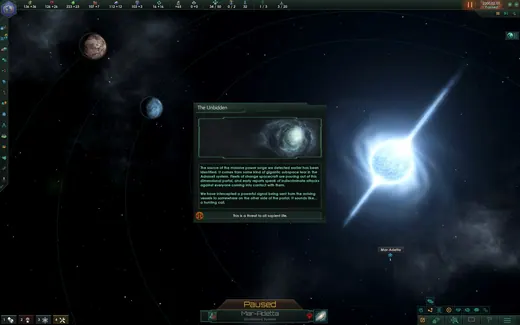
An illustrated event card floats over a star system, with a wide image above narrative text and a compact choice area.
Stellaris
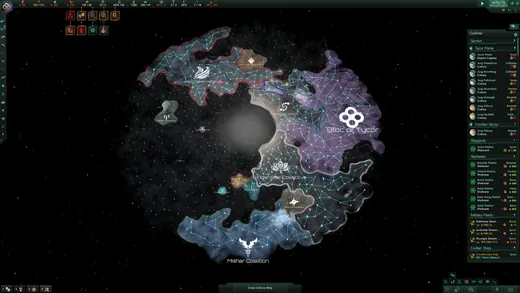
Colored territorial regions spread across the galaxy map while a resource strip spans the top and a dense outliner runs down the right.
Stellaris
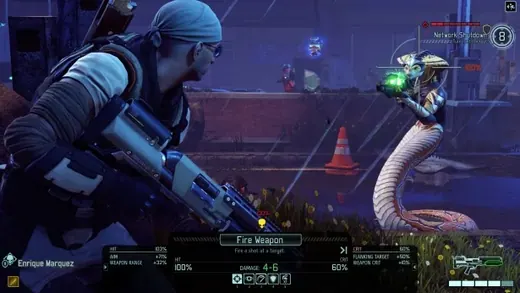
A targeting view presents hit probability and weapon information above the bottom action bar, keeping tactical choices close to the battlefield.
XCOM 2
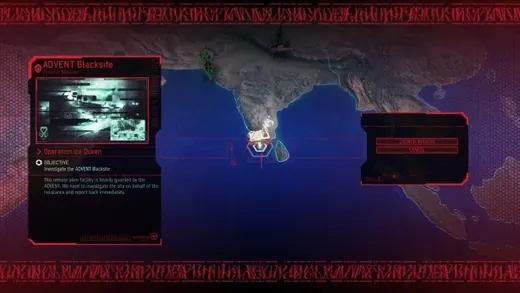
A dark red mission briefing panel overlays the globe, pairing a prominent operation heading with structured objectives and deployment information.
XCOM 2
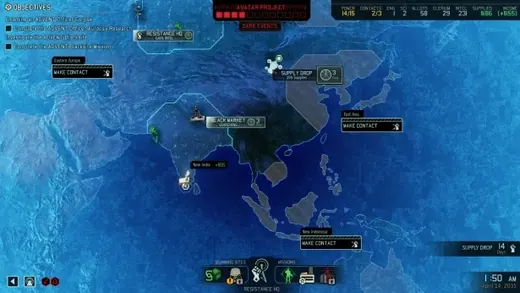
A luminous blue world map is annotated with white location labels and small mission markers, framed by compact strategic controls.
XCOM 2
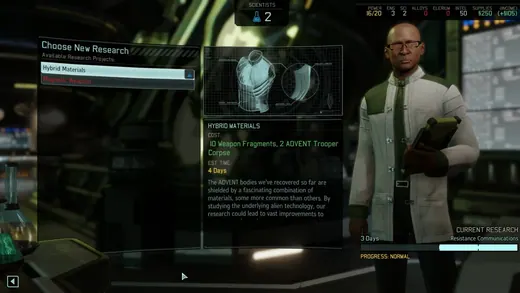
A stacked list of research projects occupies the left side while a scientist and laboratory remain visible behind the teal interface.
XCOM 2
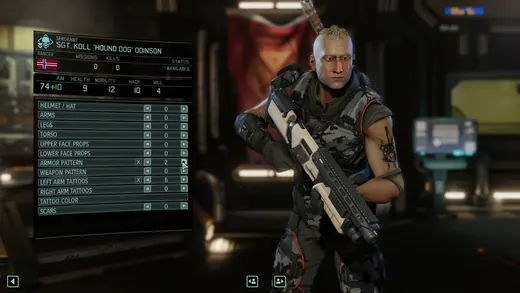
A seated soldier occupies the center while a tall profile panel lists combat statistics, rank, and personal details within a restrained teal interface.
XCOM 2
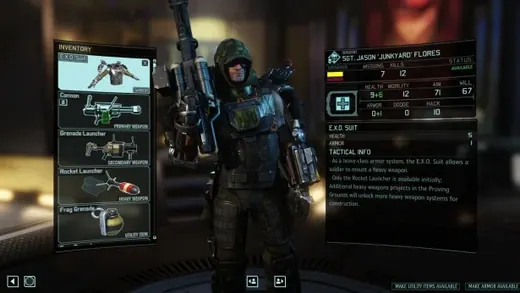
Weapon slots and equipment options flank a central soldier, with numerical attributes grouped in a separate panel to the right.
XCOM 2
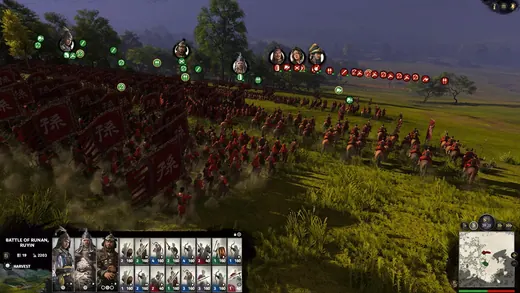
A row of illustrated unit cards anchors the bottom of the battlefield, with troop banners above formations and a compact corner minimap.
Total War: THREE KINGDOMS
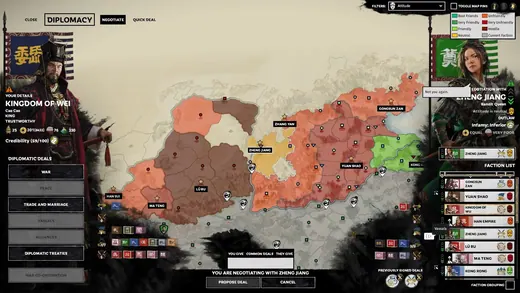
Dark diplomacy panels and narrow text lists sit over a pale ink-wash map, balancing dense political information with a restrained historical palette.
Total War: THREE KINGDOMS
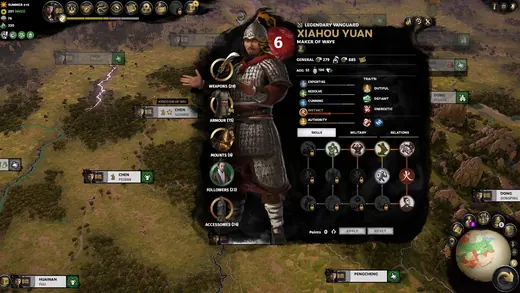
A character profile opens over the campaign map, pairing a painted portrait with circular equipment slots and compact numerical statistics.
Total War: THREE KINGDOMS
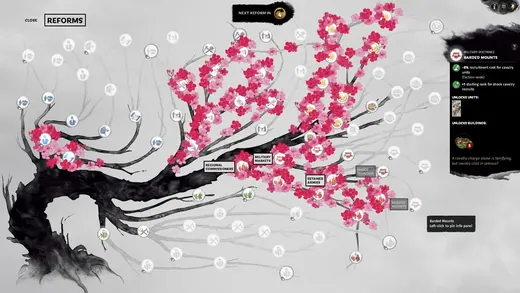
Research nodes grow along the branches of an illustrated blossom tree, integrating progression paths into a broad ink-painted composition.
Total War: THREE KINGDOMS
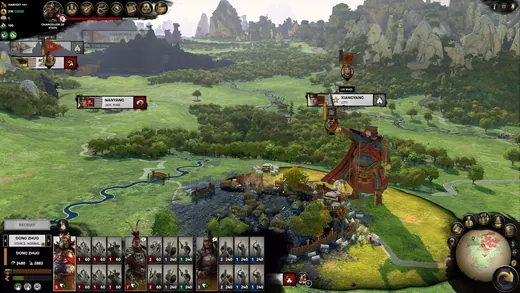
Army banners and settlement labels cover the campaign map, while the lower corners hold a unit roster and compact navigation map.
Total War: THREE KINGDOMS
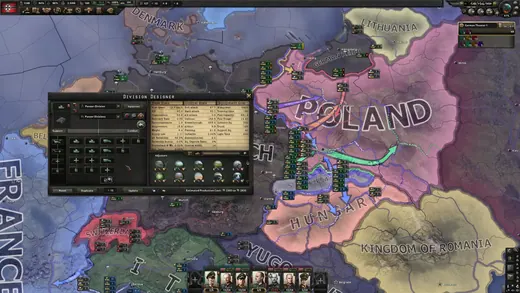
A compact division template grid opens over the political map, combining military symbols with numerical statistics and stacked design controls.
Hearts of Iron IV
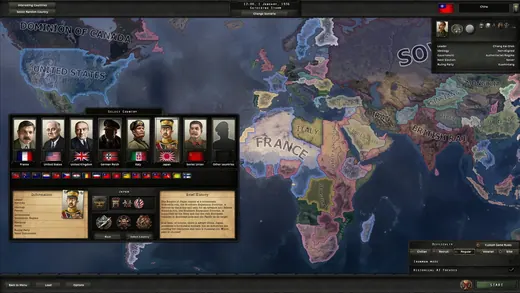
A lineup of national leaders and flags overlays the world map, giving political selection a portrait-led presentation with compact country information.
Hearts of Iron IV
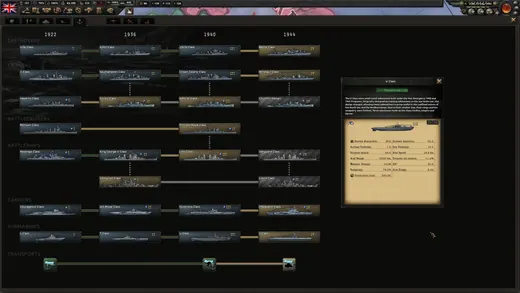
Ship technologies form a horizontal branching diagram, with small illustrated tiles and connecting lines organized into dated research columns.
Hearts of Iron IV
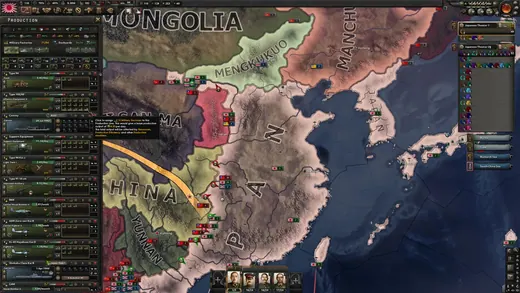
A tall production list occupies the left side of the map, with equipment illustrations, factory indicators, and repeated quantitative rows.
Hearts of Iron IV
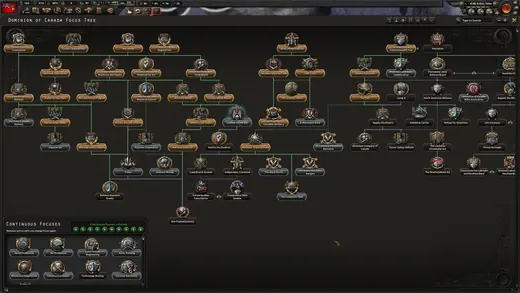
An extensive tree of emblem-shaped focuses spreads across a dark canvas, connected by thin lines that distinguish multiple progression branches.
Hearts of Iron IV
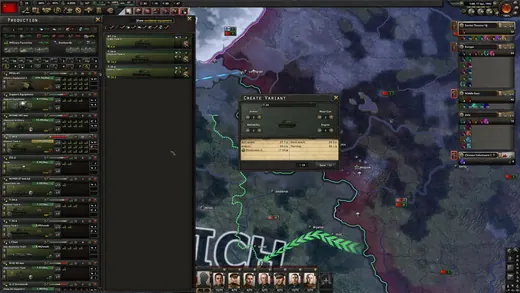
A small equipment modification window overlaps production panels and the political map, concentrating adjustable statistics inside a compact central modal.
Hearts of Iron IV
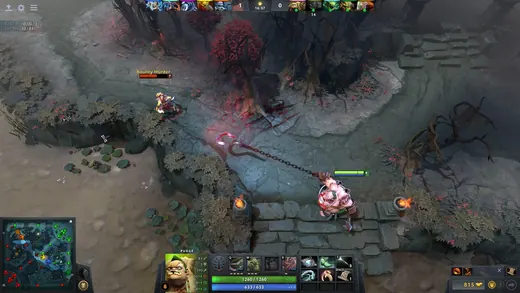
A compact minimap anchors the lower left while ability slots and a character portrait occupy the center of a dense bottom HUD.
Dota 2
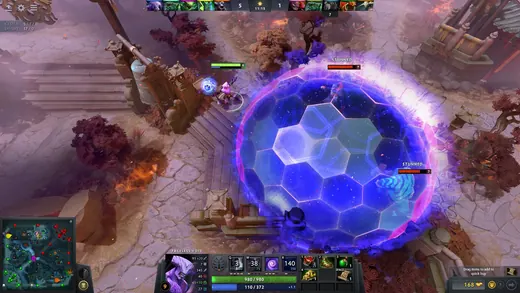
The selected hero's abilities and resources sit in a broad bottom panel, with the lane remaining visible above compact numerical readouts.
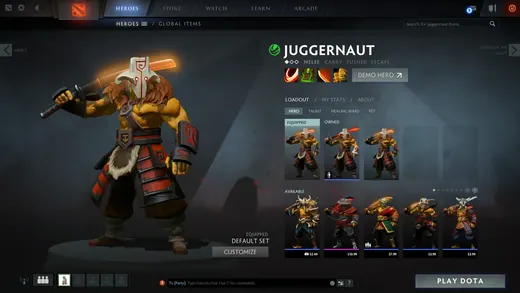
Dota 2
A large Juggernaut model dominates the loadout screen while a grid of cosmetic options and small category controls organize customization beside it.
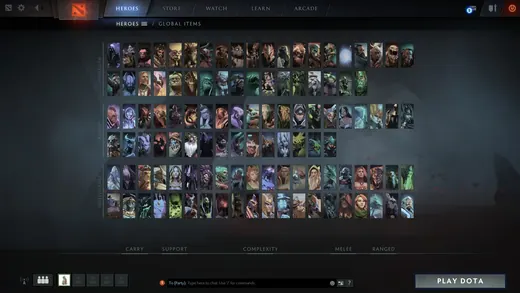
Dota 2
A large grid of hero portraits fills the selection screen, grouped beneath compact headings on a dark background for rapid roster scanning.
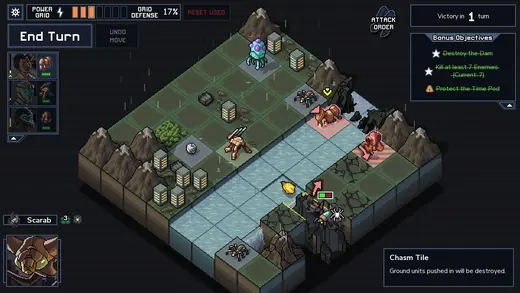
Dota 2
A small isometric combat board sits between unit portraits and mission objectives, with compact status indicators preserving a clear view of the grid.
Into the Breach
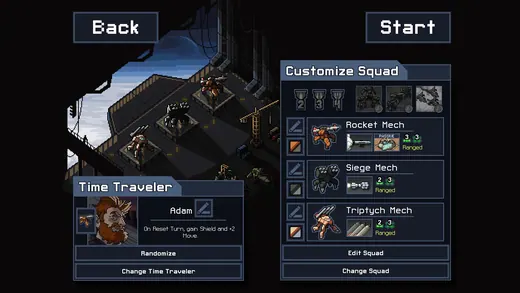
A squad selection panel lists mech choices beside compact unit illustrations, using repeated rows and restrained colors for clear comparison.
Into the Breach
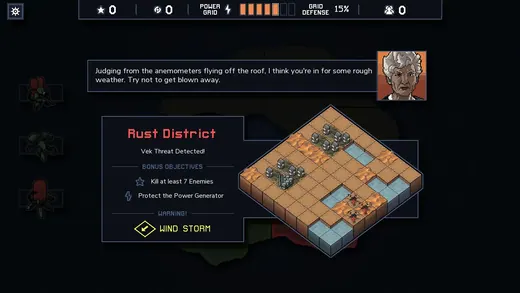
A district map divides the island into selectable missions, with a small preview panel providing location details and objective information.
Into the Breach
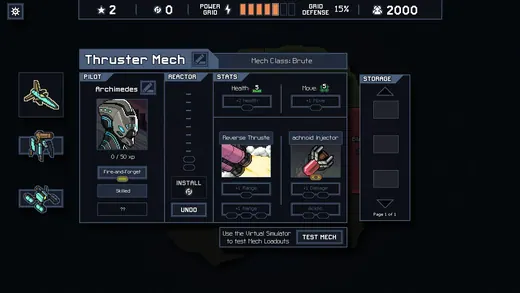
A centered mech equipment window groups weapon slots and upgrade controls into a compact grid, pairing numerical costs with clearly separated system areas.
Into the Breach
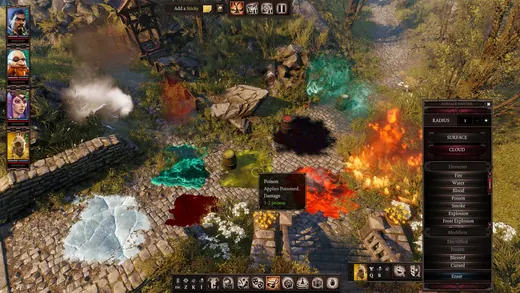
Settlement. skill icons.
Divinity: Original Sin 2 - Definitive Edition
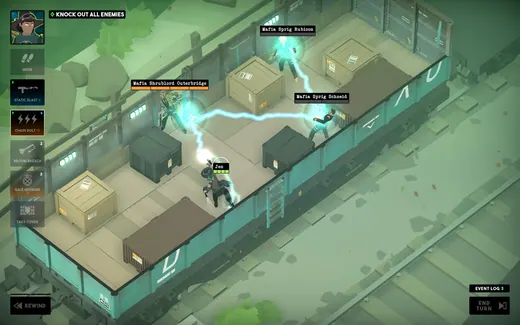
Battle map. resource counters, timers, subtitles, mini maps.
Tactical Breach Wizards
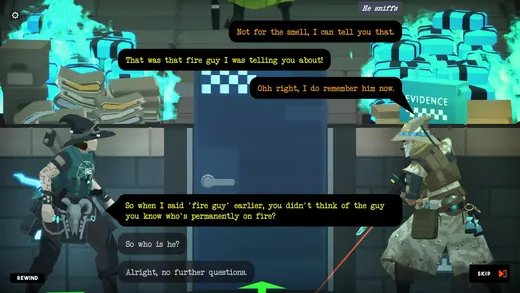
Dialogue choices. dialogue boxes, subtitles, text panels.
Tactical Breach Wizards
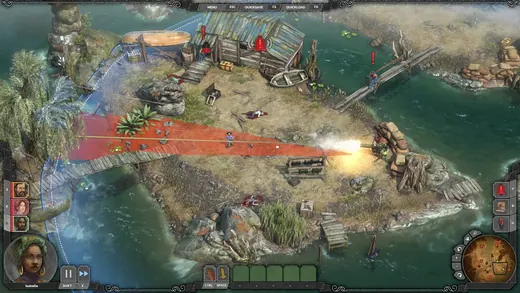
Battlefield. ships, skill icons, maps, mini maps, icons.
Desperados III
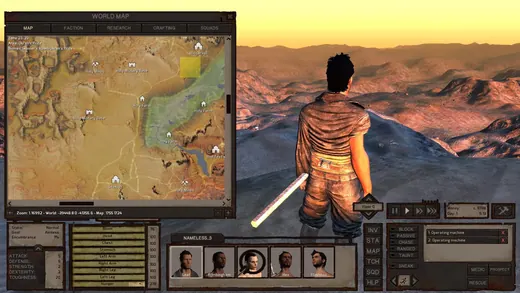
Desert. sand, maps, windows, radar, mini maps.
Kenshi
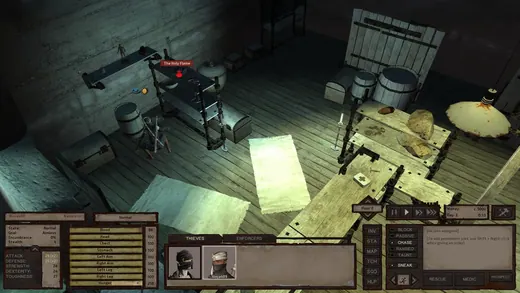
Industrial interior. furniture.
Kenshi
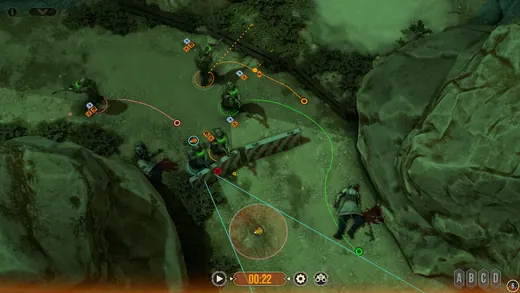
Battle map. crosshairs, resource counters.
Door Kickers 2: Task Force North
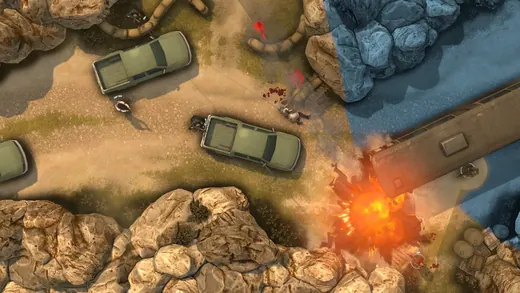
Road driving. motorcycles, trucks, skill icons, guns.
Door Kickers 2: Task Force North
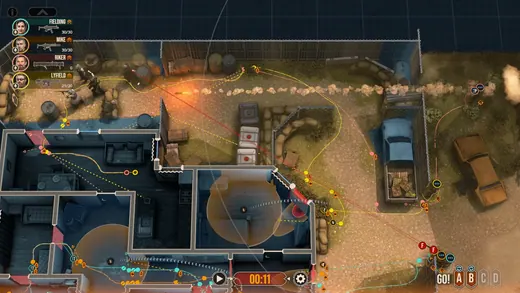
Settlement.
Door Kickers 2: Task Force North
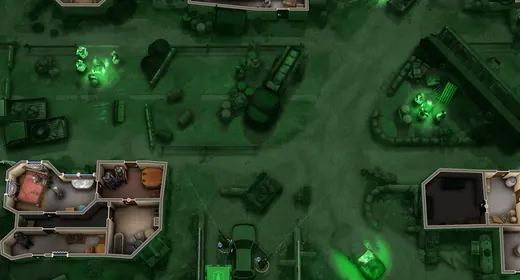
Military base.
Door Kickers 2: Task Force North